How to Reserve Amenities on the Web Portal
Reserve Community Amenities with Ease
Booking shared spaces like tennis courts or fire pits is simple with the amenities reservation feature. Get your preferred timeslot, see what’s available in real time, and skip the extra phone calls or office visits.
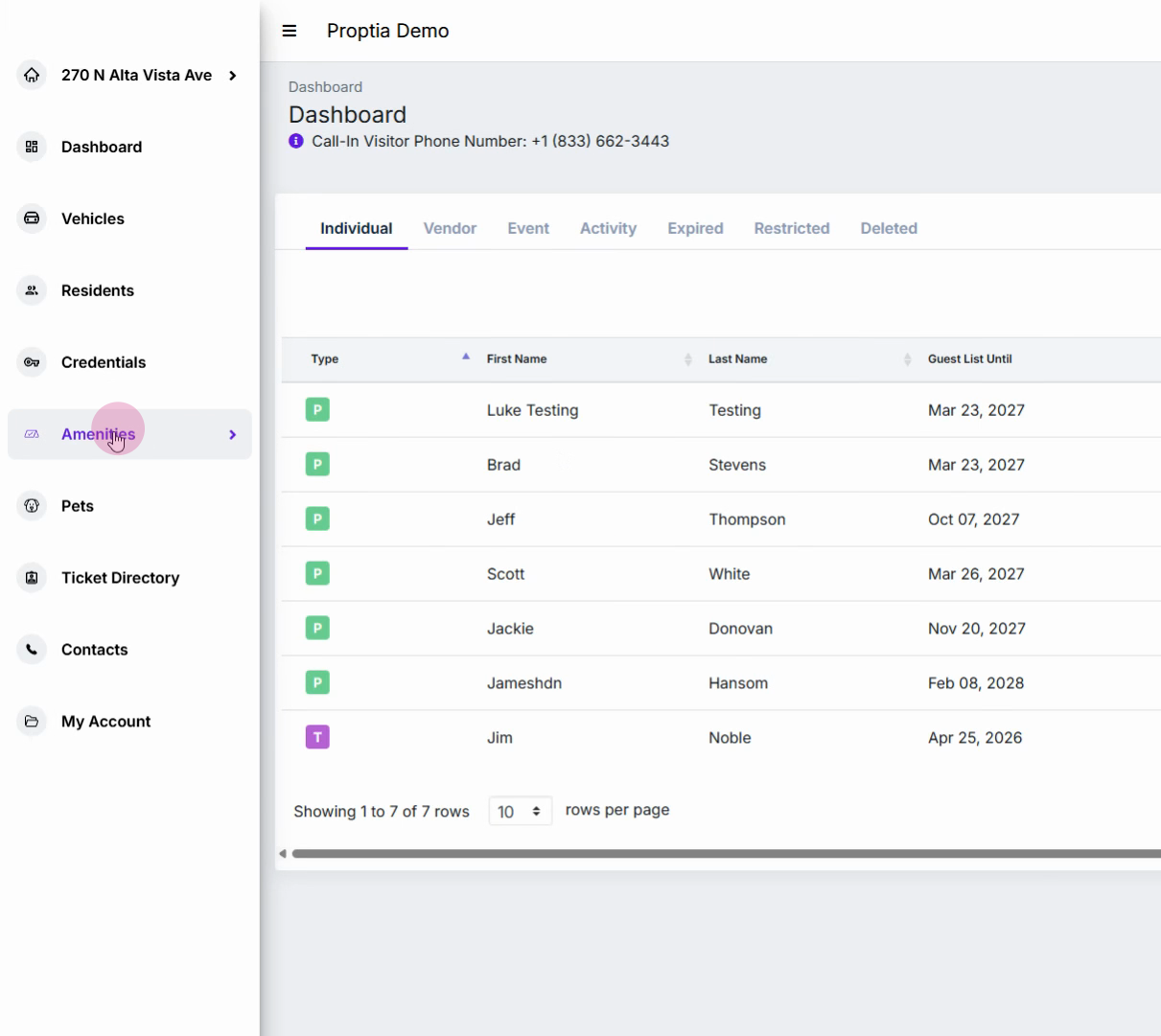
Step 1: Click Amenities on the left sidebar to open the amenities page.
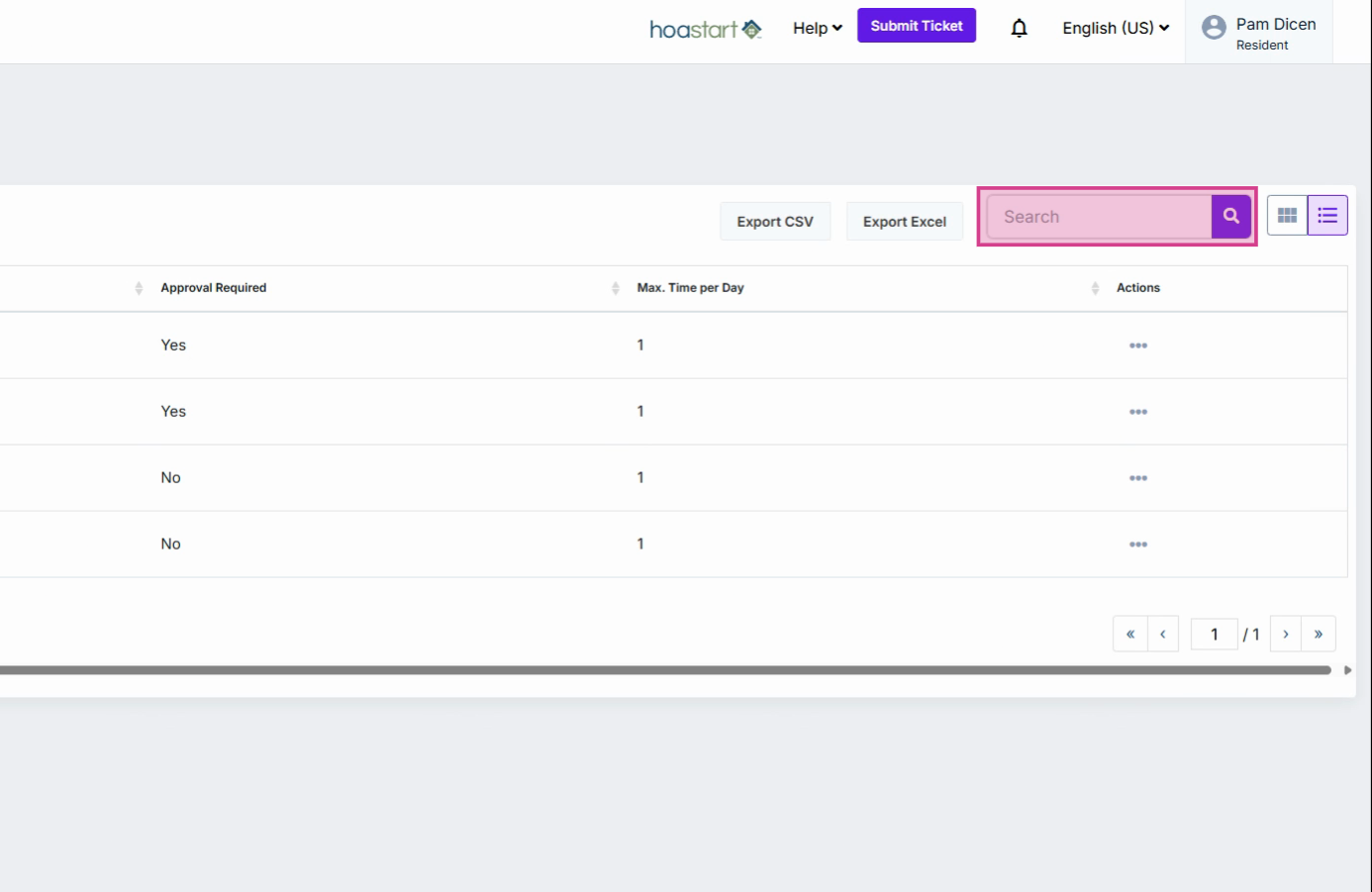
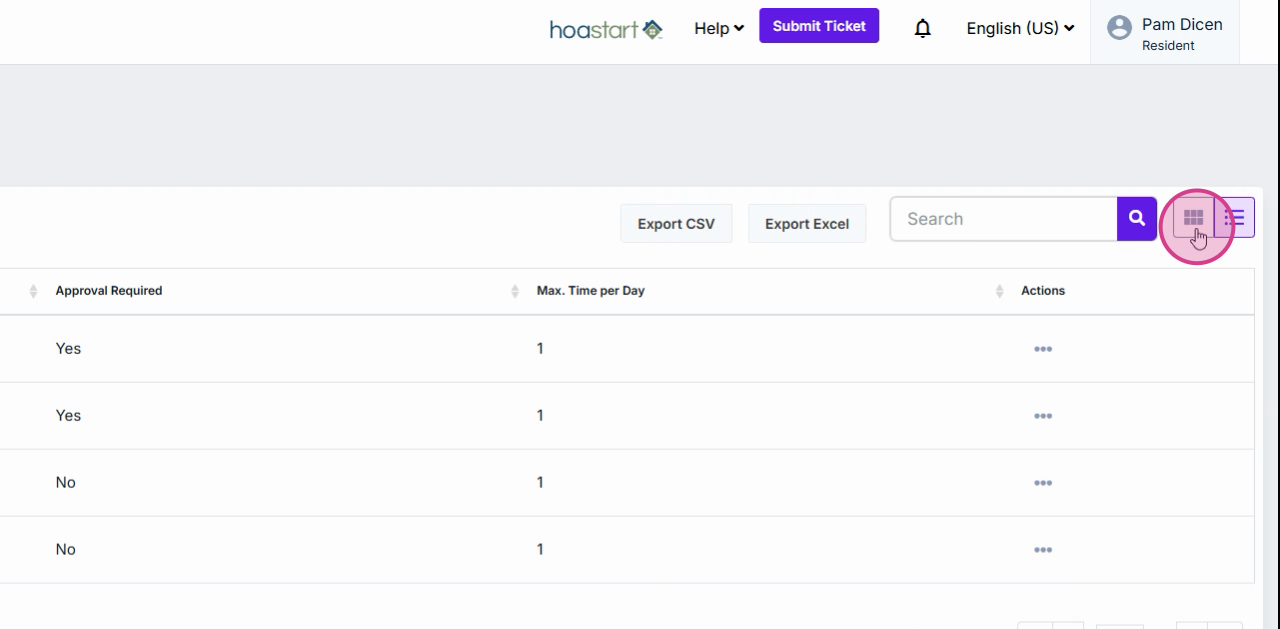
Step 2: Search for a specific amenity using the search bar, or switch between list view and grid view for easier browsing.
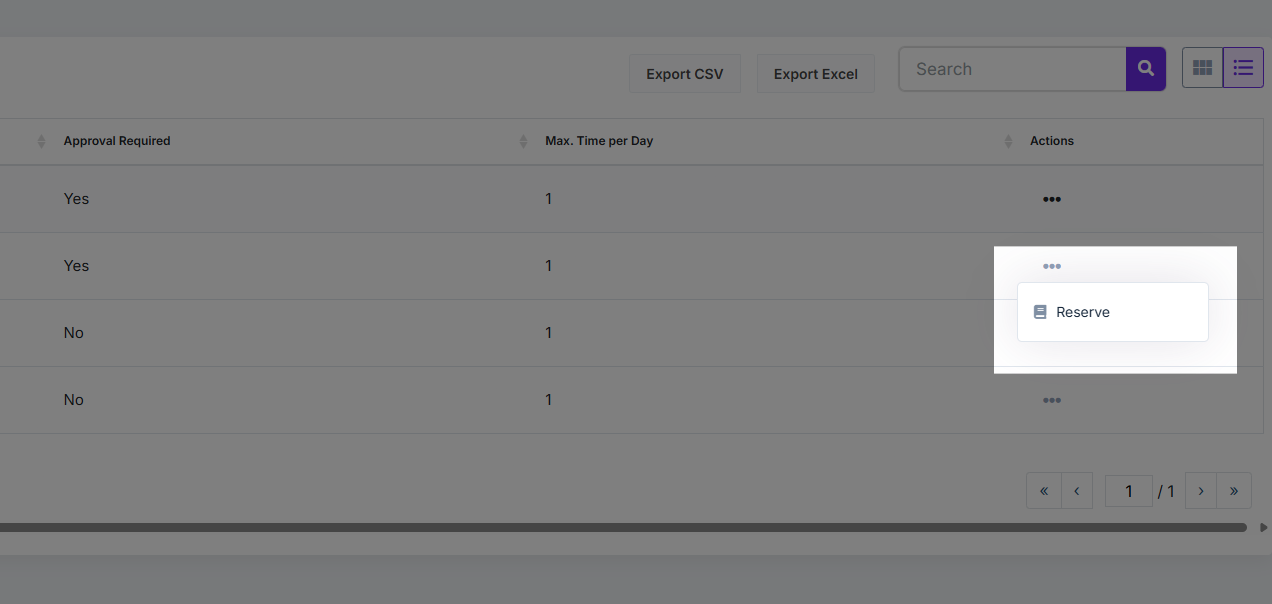
Step 3: Find the amenity you want to reserve. Click the three dots beside it and select Reserve. If you don’t see the option, the amenity may be unavailable or management-only.
Step 4: View amenity availability on the calendar. White dates show availability; grayed out dates are unavailable.
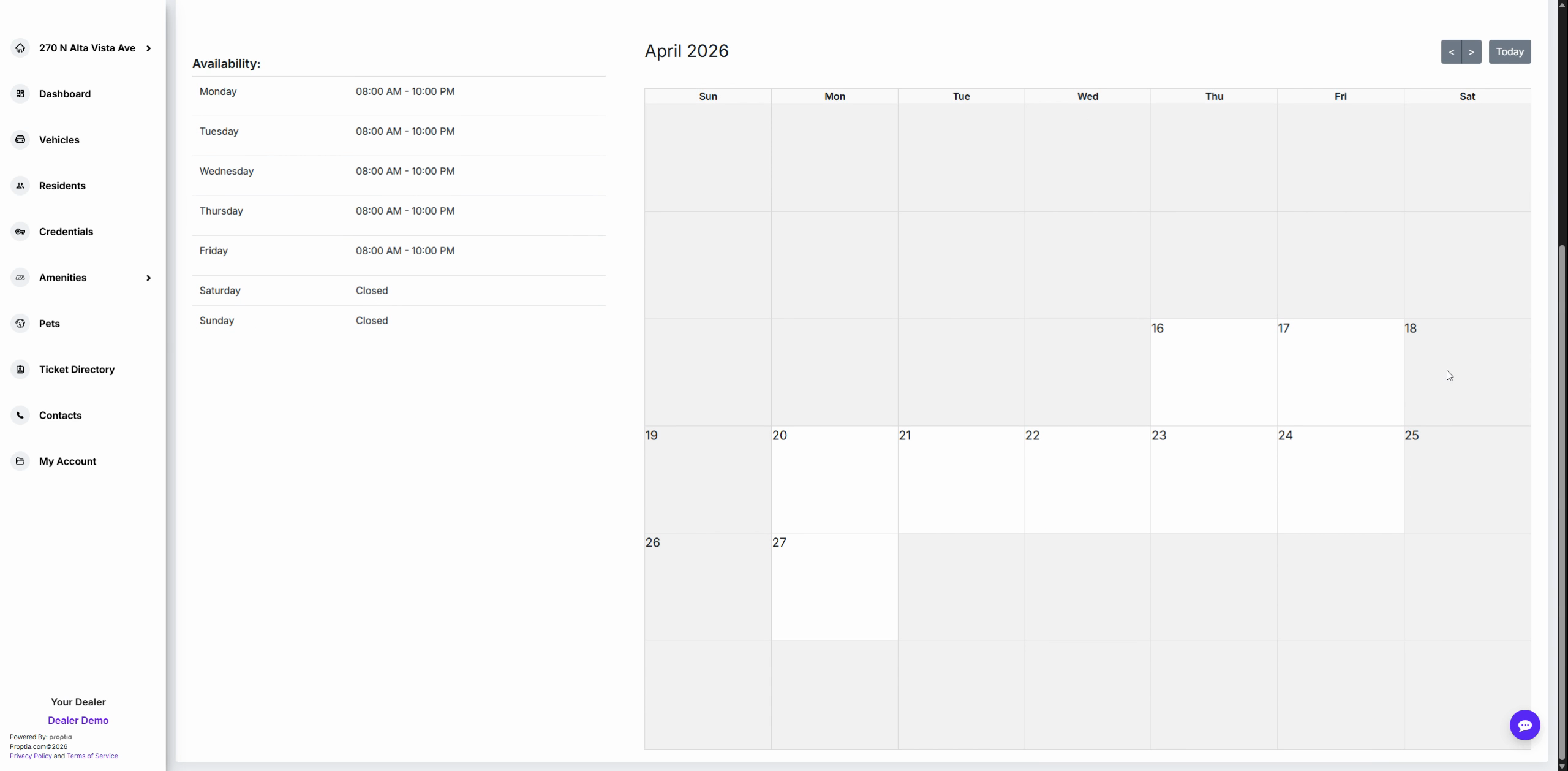
Step 5: Click the date you want to book. A popup shows business hours and a dropdown for duration. Pick your check-in time, select duration, and add any special requests if needed.
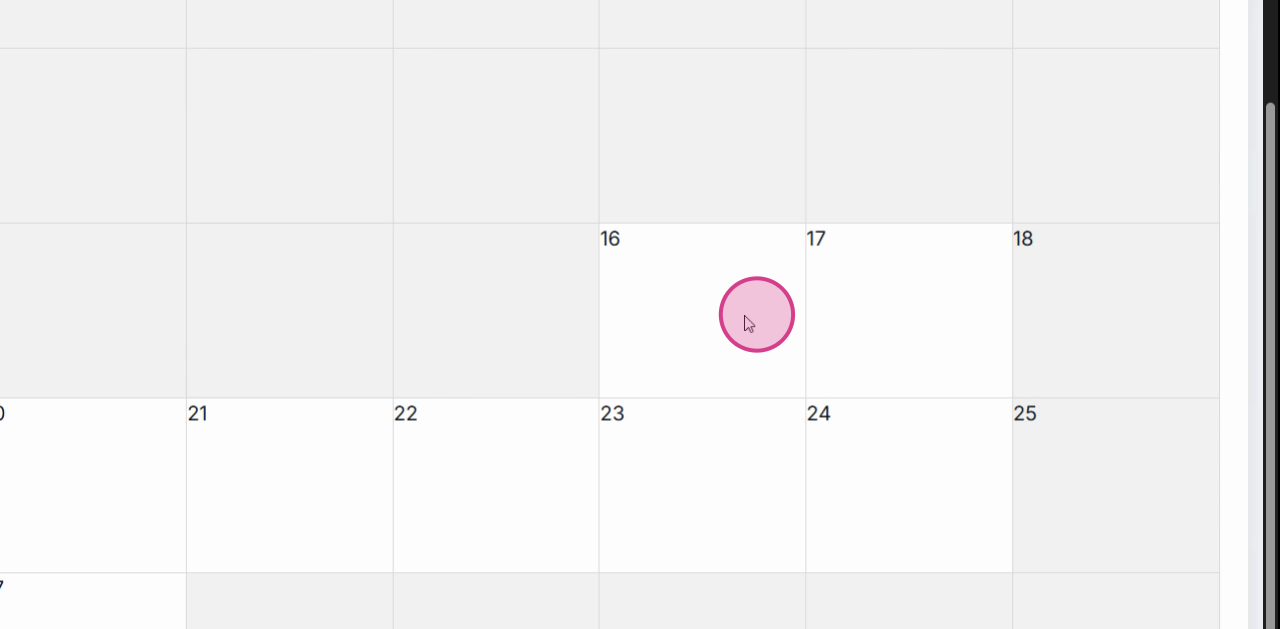
Step 6: After entering your details, click Confirm.
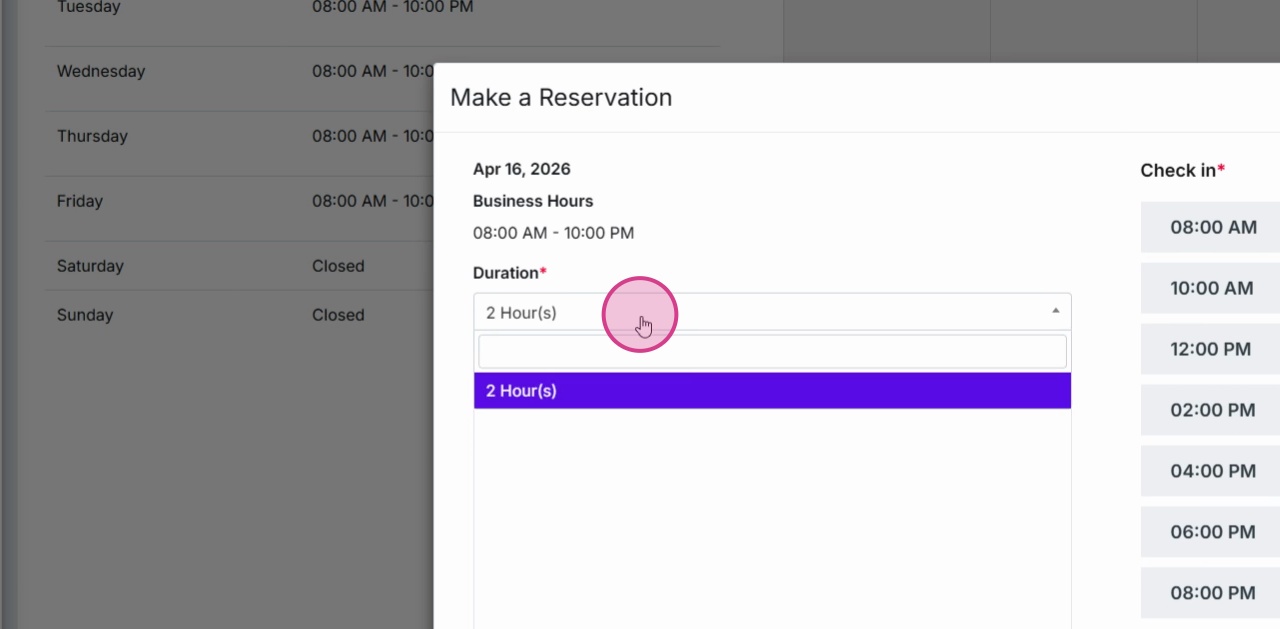
Step 7: Click Save to finalize your reservation request.
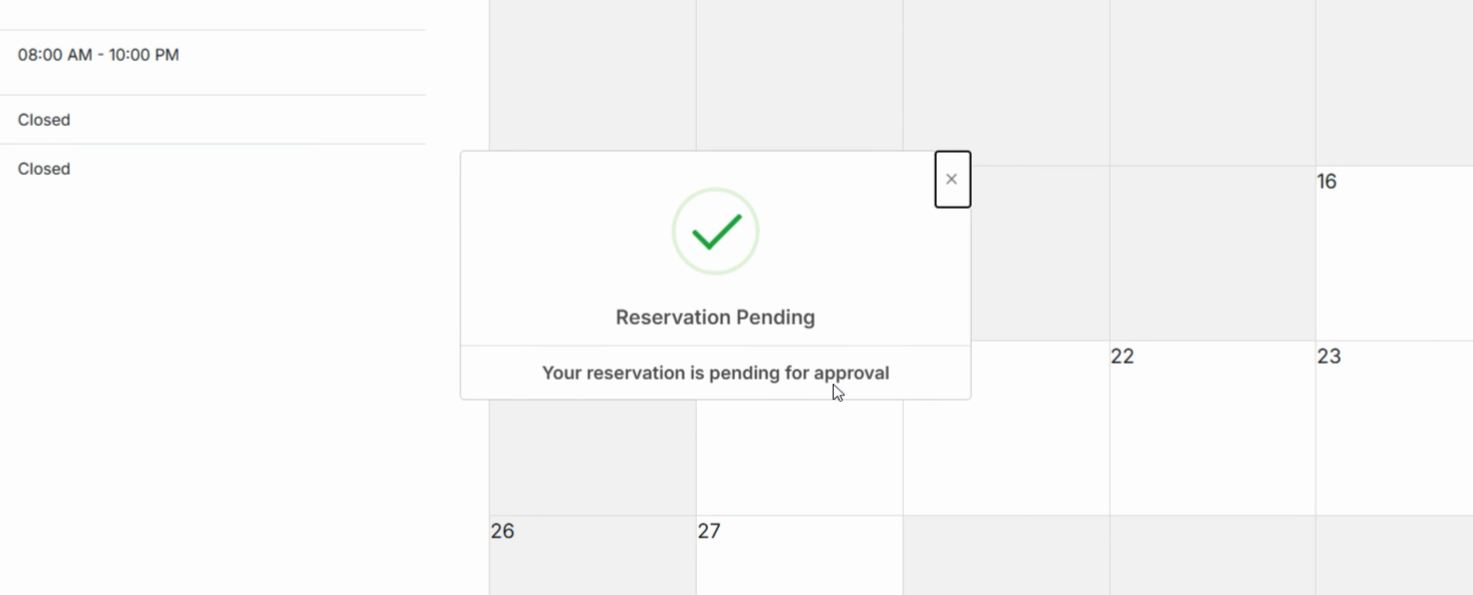
Step 8: If approval is required, confirm your reservation. You’ll see a message that it’s pending manager approval.
Manage and Track Your Reservations
Keep tabs on your bookings, make changes, or search your reservation history whenever you need.
Step 1: Go back to the Amenities section in the sidebar and select Reservations.
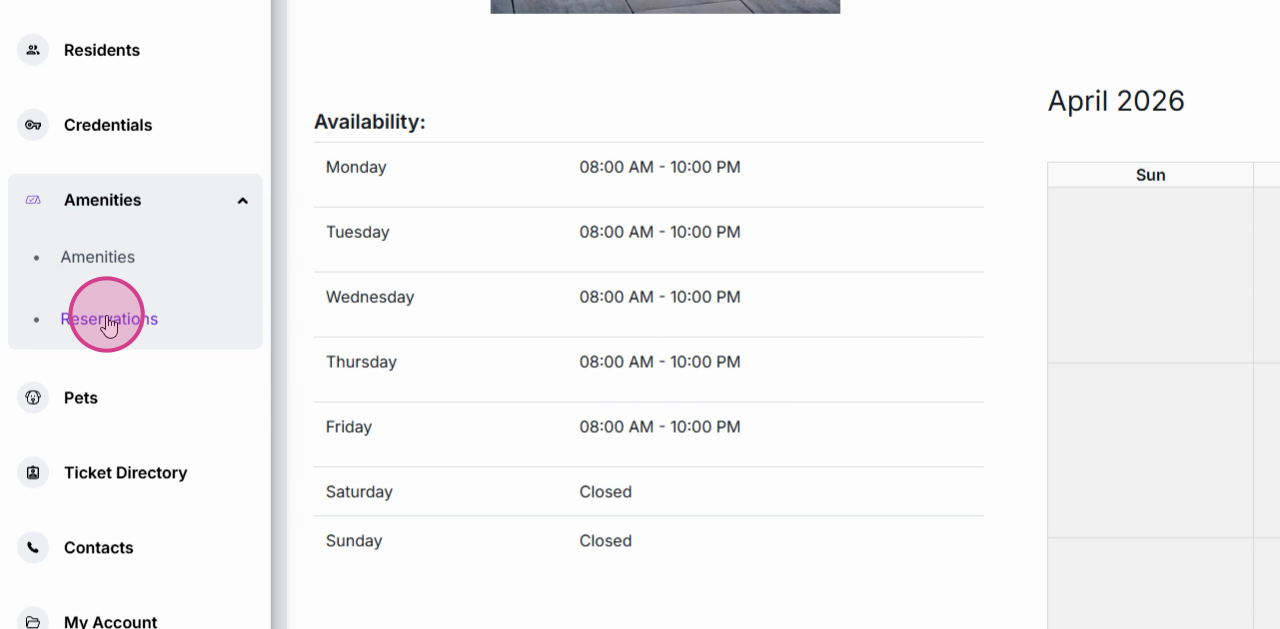
Step 2: View the status of all upcoming and past reservations in your dashboard.
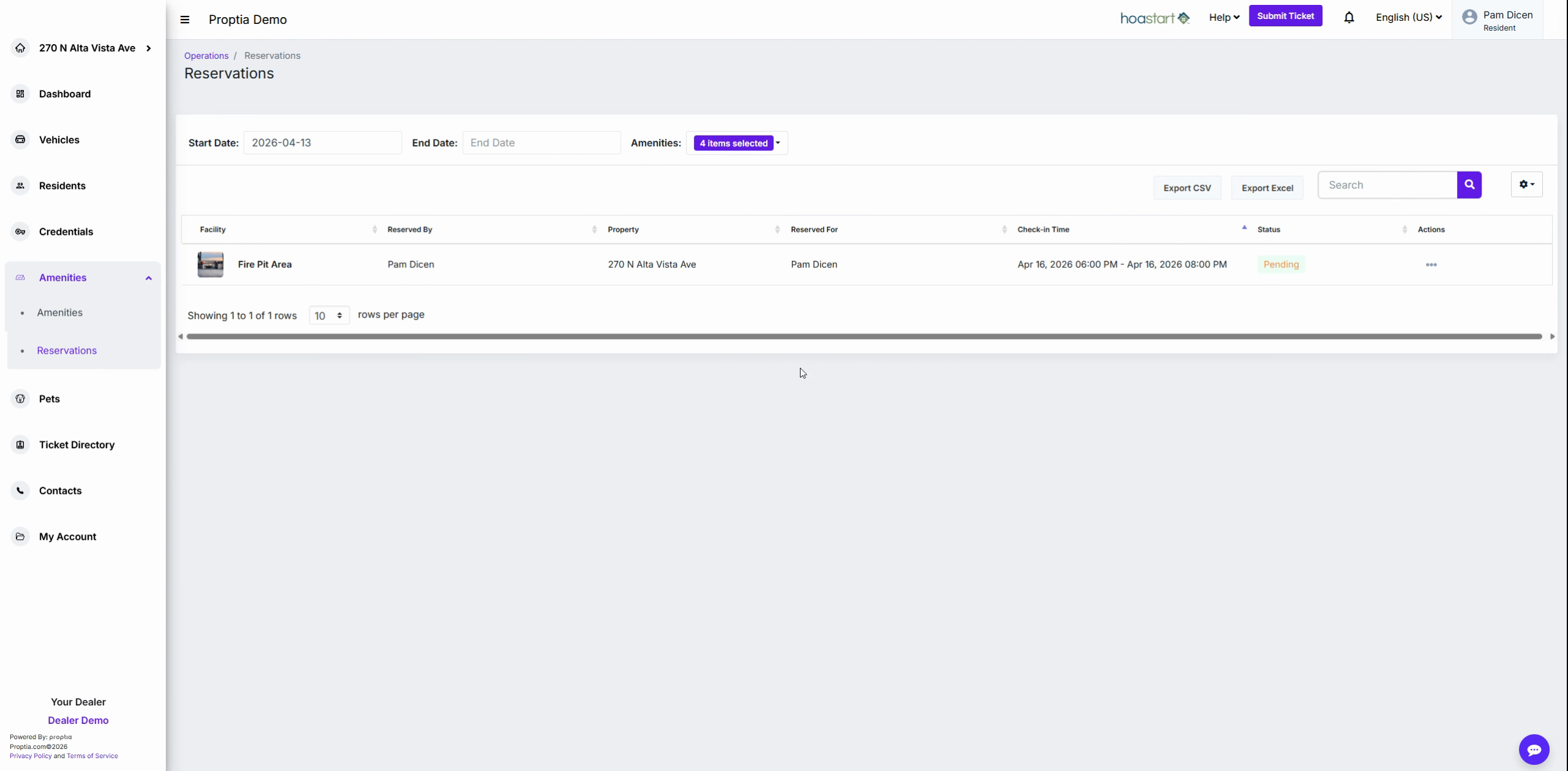
Step 3: To cancel a pending or confirmed reservation, click the three dots next to it and select Cancel.
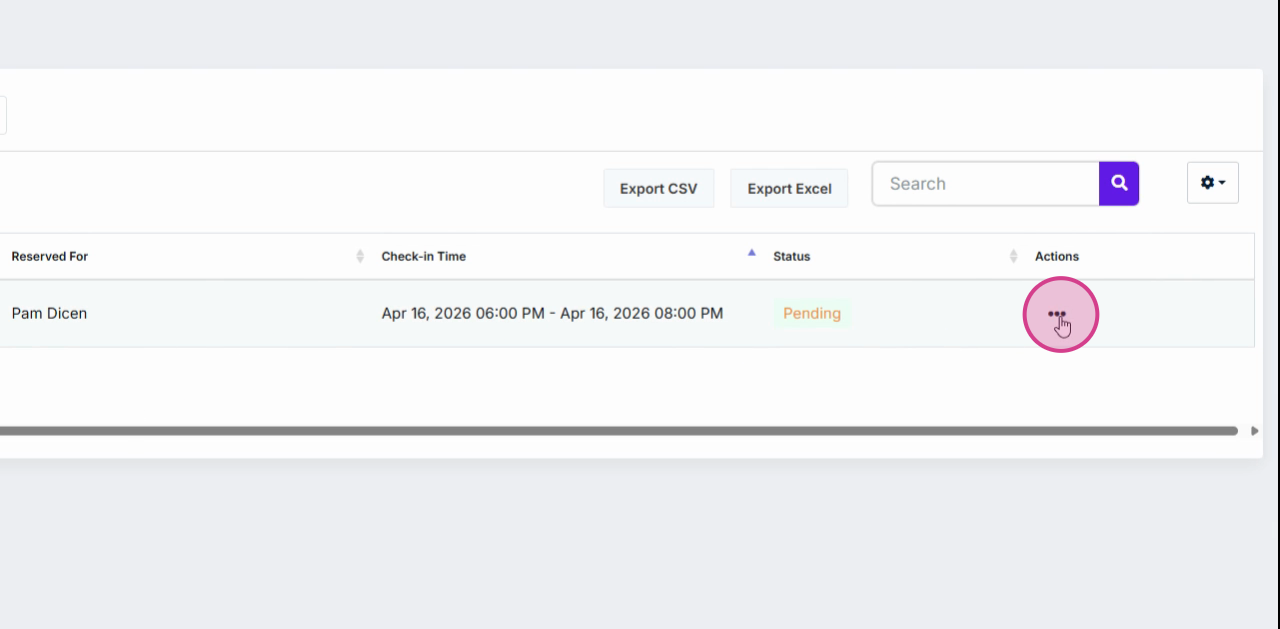
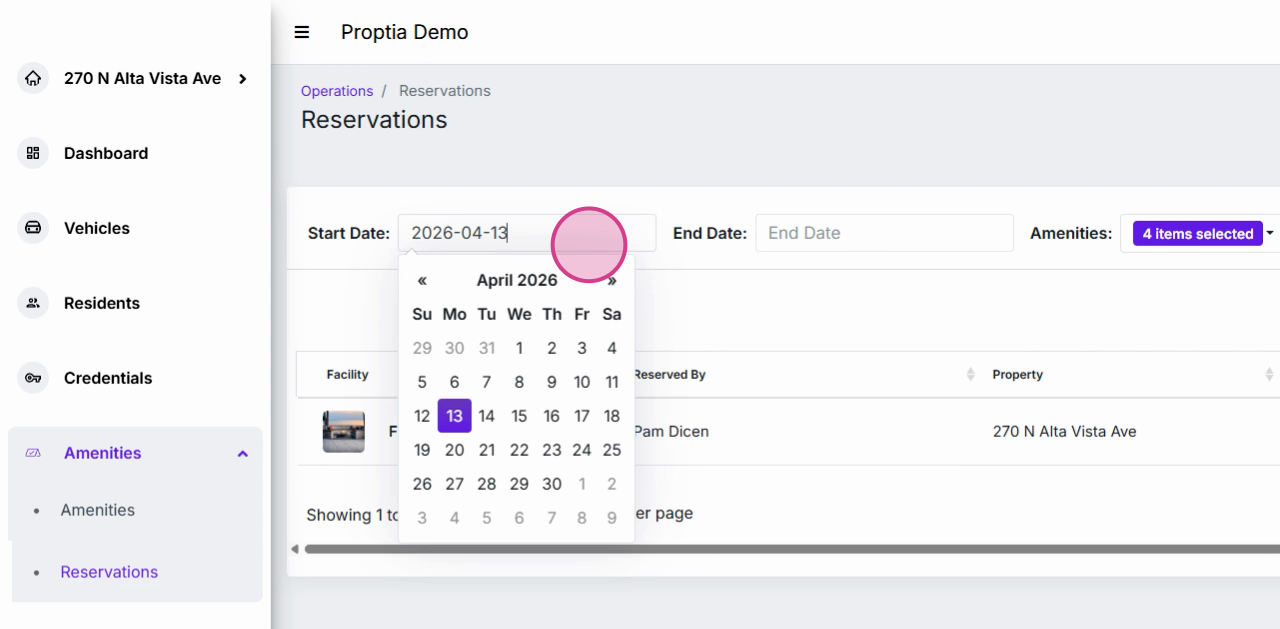
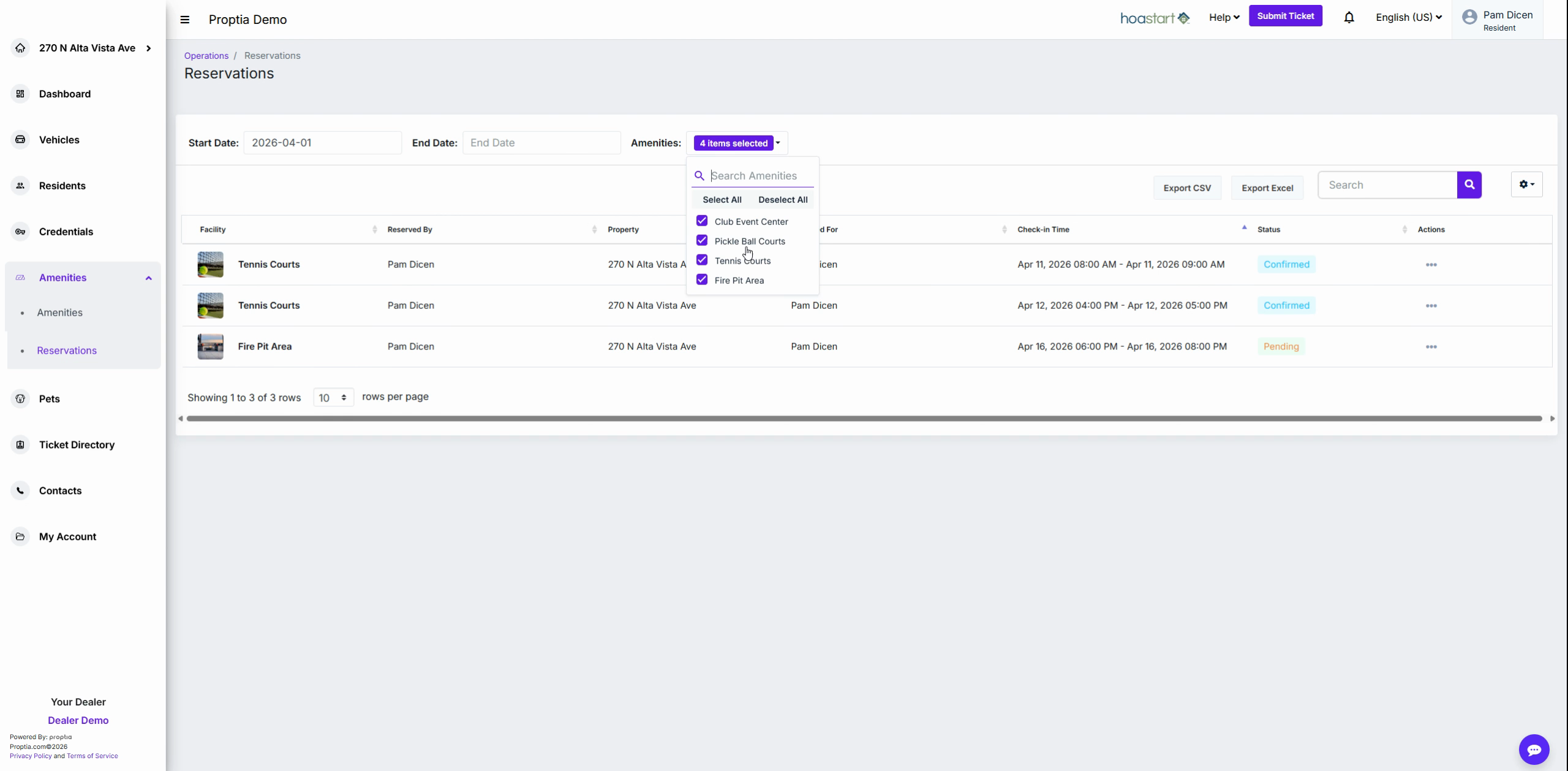
Step 4: Filter your reservations by date or amenity for easier tracking.
Step 5: For updates on approvals or changes, set your notification preferences.
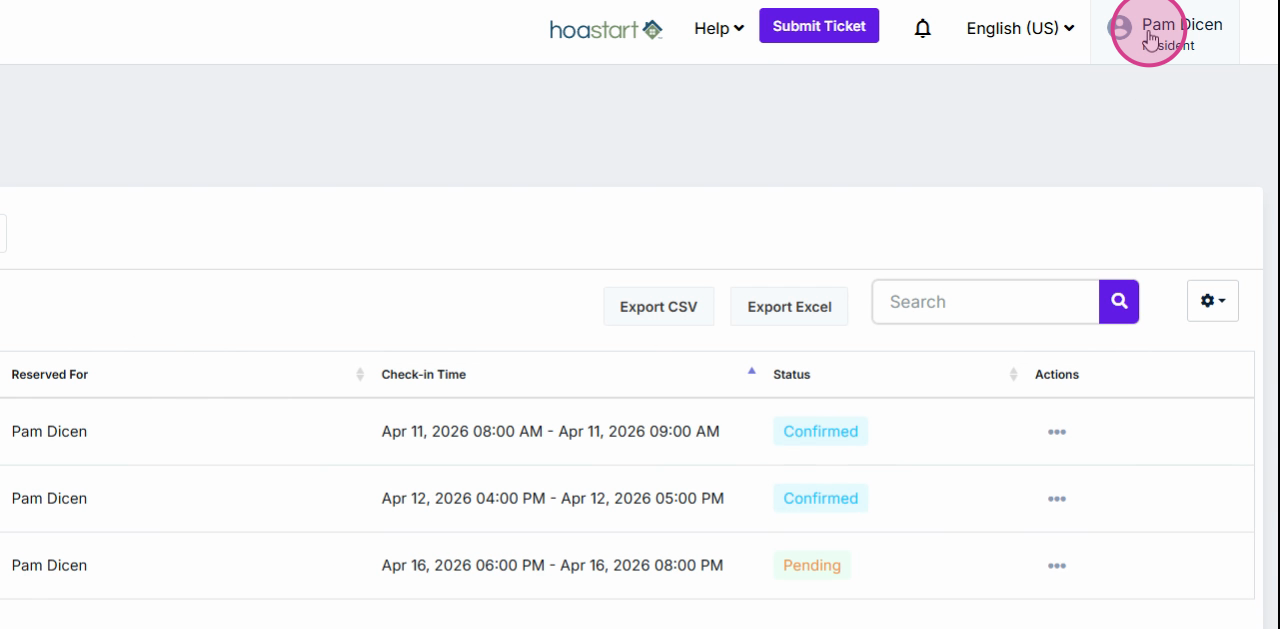
Go to your name in the top right, select My Profile, then open the Notification tab. Click Edit, find Reservation approvals, and choose to receive updates via email or text.
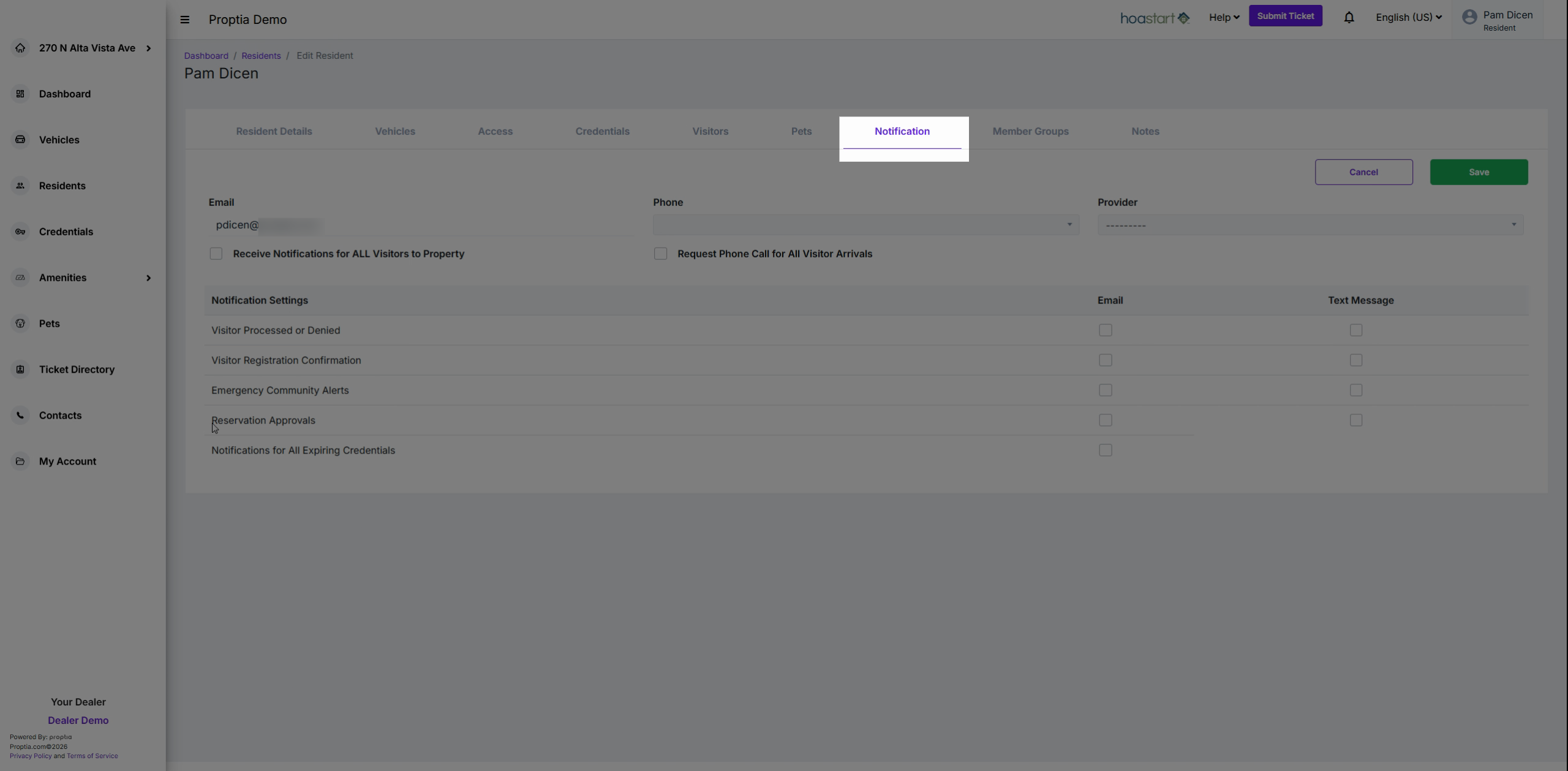
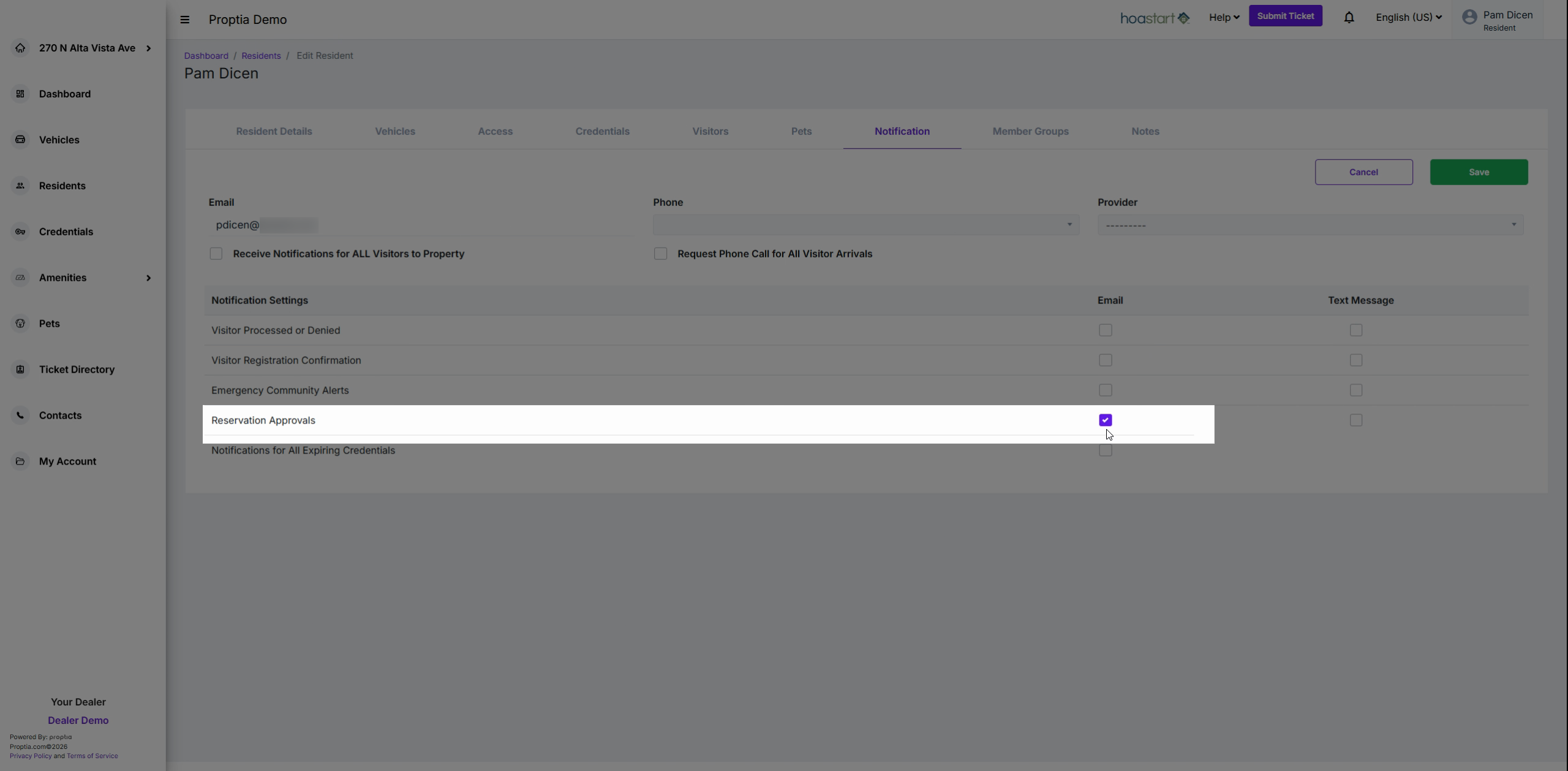
Step 6: Click Save after updating your preferences.
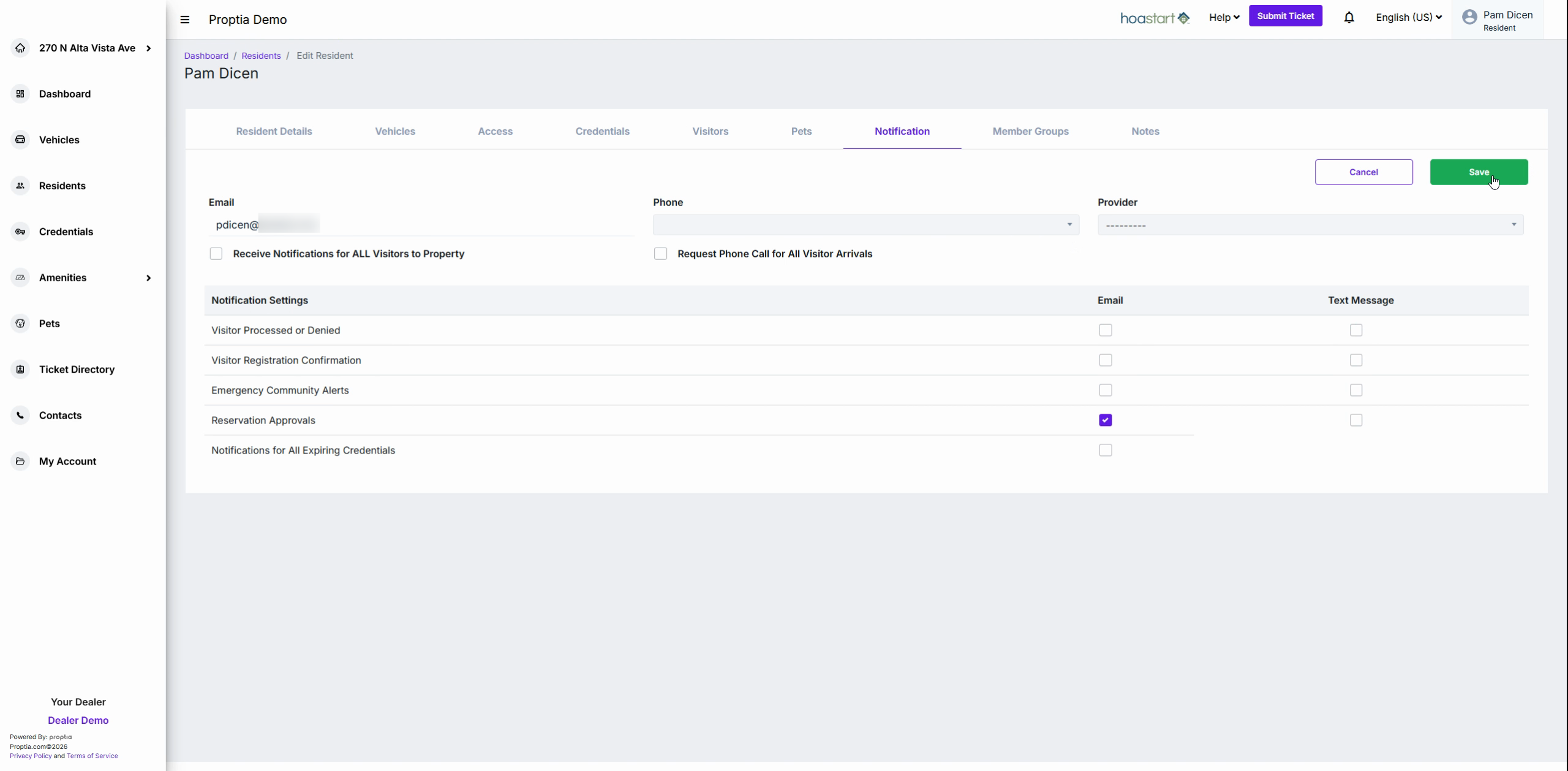
You’re all set! Reserving and managing community amenities is quick and convenient—and with notifications enabled, you’ll always stay in the loop.